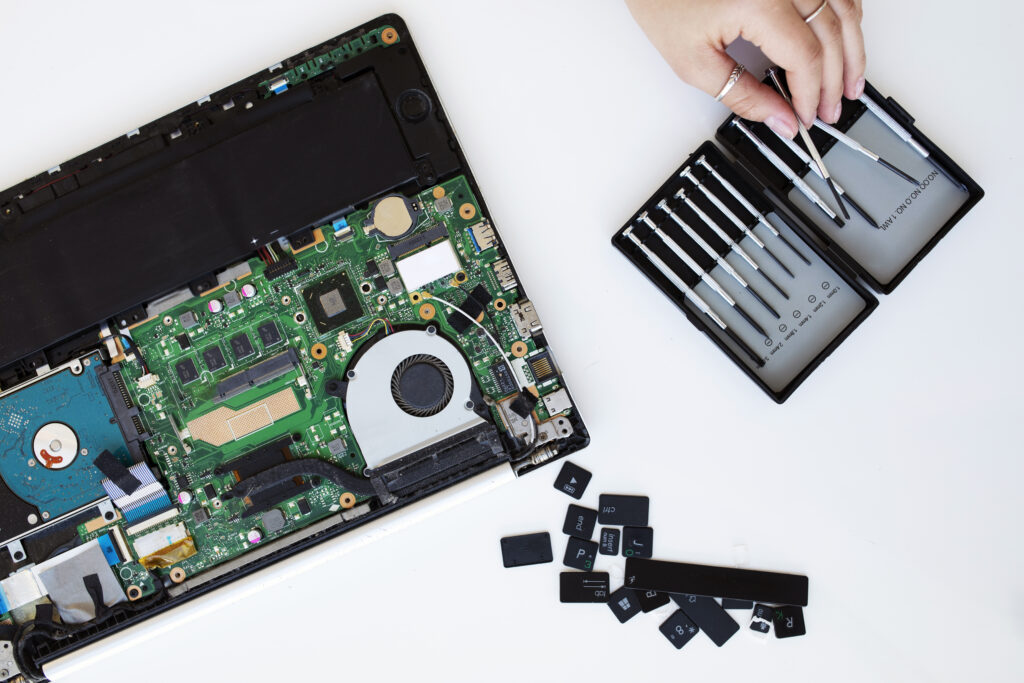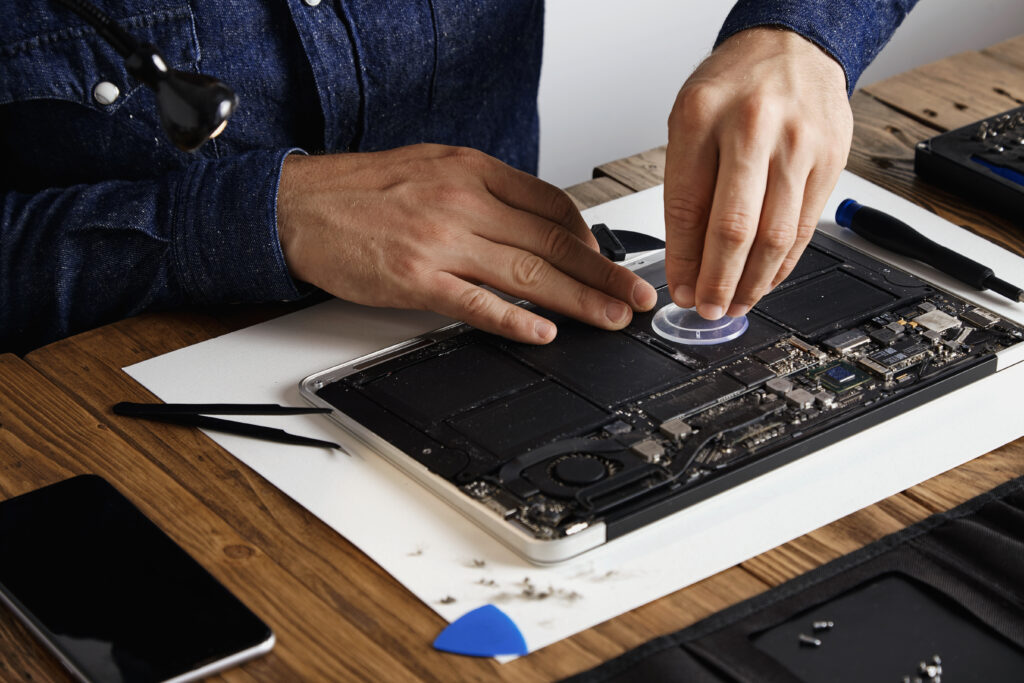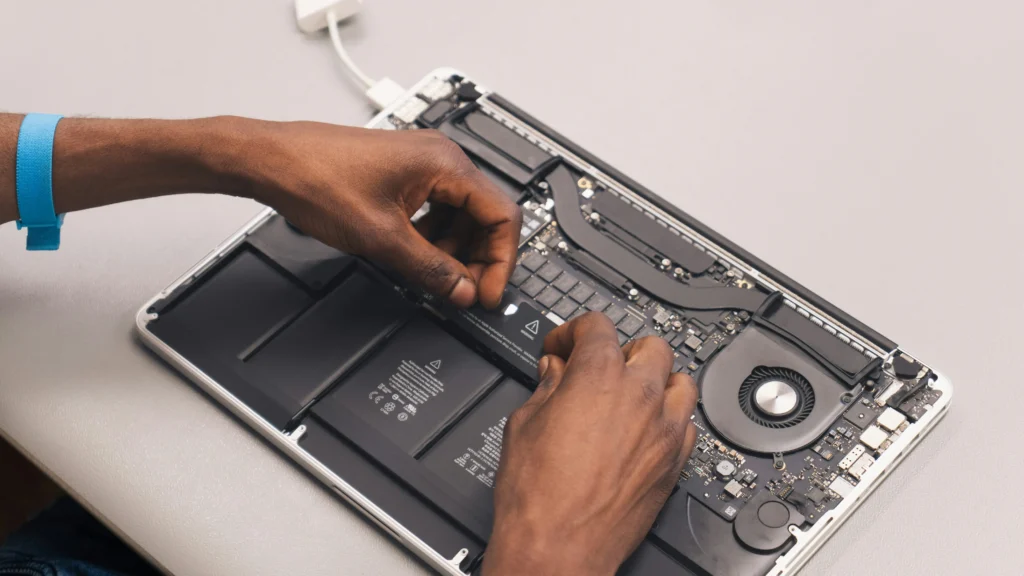
A laptop problem can interrupt work, online classes, business, entertainment, and important personal tasks. Taking a damaged laptop to a repair shop can also be inconvenient, especially when the device is not turning on or has a broken screen.
A laptop repair at home in Chennai service offers a convenient alternative. Instead of carrying your laptop to a service centre, you can arrange for a technician to visit your location and inspect the device.
Depending on the problem, many common laptop issues can be diagnosed and repaired at your doorstep. For more complex problems, such as certain motherboard or chip-level faults, the technician may recommend workshop repair after inspection.
If you are looking for a professional laptop repair service in Chennai, choosing a technician who clearly explains the problem, repair process, estimated cost, and warranty can help you make a better decision.
What Laptop Problems Can Be Repaired at Home?
A doorstep technician can inspect and, where practical, repair several common laptop problems.
1. Laptop Screen Repair and Replacement
A cracked, flickering, dim, or completely blank display may indicate a damaged screen, display cable, backlight, or related component.
Common symptoms include:
- Cracked or physically damaged display
- Lines appearing on the screen
- Flickering display
- Very dim screen
- Black screen
- Display showing unusual colours
- Screen turning off when the laptop lid is moved
If the panel itself is damaged, laptop screen replacement may be required.
2. Laptop Keyboard Repair
Keyboard problems can make a laptop difficult or impossible to use.
Typical issues include:
- Individual keys not working
- Multiple keys failing
- Keyboard typing incorrect characters
- Liquid damage
- Broken or loose keys
- Keyboard not detected
Depending on the laptop model and damage, the technician may recommend keyboard repair or replacement.
3. Laptop Battery Replacement
A laptop battery naturally loses capacity over time.
You may need battery replacement if your laptop:
- Shuts down suddenly
- Works only when connected to the charger
- Has very short battery life
- Shows an incorrect battery percentage
- Does not charge properly
- Has a swollen battery
A swollen battery should be handled carefully and inspected by a qualified technician.
4. Laptop Charging and Power Jack Repair
If your laptop does not charge properly, the problem may not always be the charger.
Possible causes include:
- Damaged charging port
- Loose power jack
- Faulty charging circuit
- Damaged adapter
- Battery problem
- Motherboard-related power fault
A technician can diagnose the cause before recommending a repair.
5. Laptop Overheating and Fan Problems
Overheating can cause slow performance, unexpected shutdowns and fan noise.
Common causes include:
- Dust accumulation
- Blocked ventilation
- Faulty cooling fan
- Old thermal paste
- Heavy CPU/GPU usage
- Poor airflow
A service may include internal cleaning, laptop fan replacement, and thermal paste replacement, depending on the condition of the device.
6. Laptop Hinge and Body Repair
A broken hinge can make opening and closing a laptop difficult and may eventually damage the display cable or surrounding body.
Common physical issues include:
- Loose hinges
- Broken hinge mounts
- Cracked laptop body
- Damaged screen frame
- Broken back cover
- Damaged palm rest
Early inspection can help prevent additional damage.
7. Laptop Motherboard Repair
The motherboard is one of the most complex components inside a laptop.
Possible motherboard-related symptoms include:
- Laptop not powering on
- No charging
- No display
- Random shutdowns
- USB ports not working
- Keyboard or touchpad failure
- Power indicator problems
Some motherboard problems require specialised workshop equipment. A technician can first diagnose the issue and explain whether doorstep repair or workshop repair is appropriate.
8. Laptop Wi-Fi and Internet Problems
If Wi-Fi suddenly stops working, the cause could be software, driver, configuration, router connectivity, or a hardware fault.
Common symptoms include:
- Wi-Fi option missing
- Wi-Fi disconnecting frequently
- Laptop unable to detect networks
- Very slow wireless connection
- Internet working on other devices but not the laptop
Driver troubleshooting and hardware inspection can help identify the problem.
Laptop Software Repair at Home
Not every laptop problem is hardware-related. Software issues can also affect performance and usability.
A laptop technician may assist with services such as:
Windows Installation
A damaged operating system, serious software corruption, or a clean-install requirement may require Windows installation.
Before reinstalling an operating system, important files should be backed up whenever possible.
Virus and Malware Removal
Suspicious pop-ups, unwanted applications, browser changes, unusual system activity, and performance problems can sometimes be related to malware.
A technician can inspect the system and help remove unwanted or malicious software.
Data Backup
Important documents, photographs, videos and business files should be backed up regularly.
If your laptop is showing signs of hard-drive or SSD failure, creating a backup as soon as possible can reduce the risk of losing important data.
Data Recovery
If a laptop is not booting or a storage device has failed, professional data recovery may sometimes be possible.
The chances of recovery depend on the condition of the storage device and the type of failure.
Laptop RAM and SSD Upgrades
If your laptop has become slow, an upgrade may provide a better solution than replacing the entire device.
RAM Upgrade
A RAM upgrade can improve multitasking performance when the laptop has limited memory and supports additional RAM.
Depending on compatibility, users may consider configurations such as 4 GB or 8 GB RAM and higher capacities.
SSD Upgrade
Replacing an older HDD with an SSD can significantly improve boot time and application loading on compatible laptops.
Common upgrade options include:
- 500 GB SSD
- 1 TB SSD
- Larger SSD capacities depending on laptop compatibility
Before purchasing an SSD or RAM module, check the laptop’s supported specifications.
MacBook Repair at Home in Chennai
MacBook users may require specialised assistance for hardware or software problems.
Common MacBook services include:
- MacBook screen problems
- Battery replacement
- Keyboard problems
- Charging issues
- macOS-related problems
- Storage upgrades where supported
- Overheating
- Trackpad problems
- Data backup and recovery
If you need MacBook repair in Chennai, the technician should first identify the exact model and fault before recommending a repair.
How Does Laptop Repair at Home Work?
The doorstep repair process is generally straightforward.
Step 1: Describe the Problem
Explain the symptoms when booking the service. For example, tell the technician if the laptop is not powering on, overheating, showing a blank screen, or running slowly.
Step 2: Technician Visit
A technician visits your location and examines the laptop.
Step 3: Diagnosis
The technician identifies the likely cause and explains the required repair.
Step 4: Cost Estimate
You can ask for the estimated repair cost before approving the work.
Step 5: Repair
If the repair is suitable for doorstep service, it can be performed at your location. More complex repairs may require workshop facilities.
Step 6: Testing
After the repair, the laptop should be tested to confirm that the reported problem has been addressed.
Why Choose Doorstep Laptop Repair in Chennai?
A doorstep laptop repair service can be useful for customers who want convenience.
Some potential benefits include:
- No need to carry a heavy laptop to a shop
- Convenient appointment scheduling
- Technician inspection at your location
- Useful for urgent laptop problems
- Convenient for home users and small businesses
- Easier communication about the problem
- Reduced travel time
However, not every repair can safely or practically be completed at home. The appropriate repair method depends on the laptop model and fault.
How to Choose the Right Laptop Repair Service
Before booking a laptop repair service in Chennai, consider these factors:
Check the Service Scope
Confirm whether the technician handles your specific issue, such as screen replacement, motherboard repair, battery replacement, or software troubleshooting.
Ask About the Diagnosis
A good technician should explain what appears to be wrong instead of immediately recommending expensive replacement parts.
Confirm the Price
Ask whether the quoted amount includes labour, parts, and applicable service charges.
Ask About Warranty
If replacement parts are used, ask about the available warranty and its terms.
Protect Your Data
If your laptop contains sensitive information, back up important files when possible and avoid sharing passwords unnecessarily.
Laptop Repair Near Me in Chennai
When searching online for laptop repair near me, don’t choose a service solely because it appears first in search results.
Compare:
- Customer reviews
- Service areas
- Repair expertise
- Warranty terms
- Estimated pricing
- Response time
- Whether doorstep service is available
A nearby technician with relevant experience may be more useful than a service that simply uses “near me” as a marketing keyword.
When Should You Call a Laptop Technician?
Consider professional inspection if your laptop:
- Does not turn on
- Suddenly shuts down
- Overheats frequently
- Has a broken screen
- Does not charge
- Has a damaged keyboard
- Runs unusually slowly
- Has Wi-Fi problems
- Makes unusual noises
- Shows repeated system errors
- Has suffered liquid or physical damage
Early diagnosis can sometimes prevent a small problem from becoming a more expensive repair.
Final Thoughts
A reliable laptop repair at home in Chennai service can make laptop maintenance and troubleshooting more convenient. From screen replacement and battery problems to keyboard, motherboard, software, data recovery, RAM and SSD upgrades, the right technician can help identify the actual cause before recommending a solution.
For doorstep assistance, you can explore laptop repair at home in Chennai and check the available services, process and service details.
Frequently Asked Questions
Can a laptop be repaired at home?
Many common problems can be diagnosed and some can be repaired at home. Complex motherboard, chip-level and certain component repairs may require workshop equipment.
How much does laptop repair cost in Chennai?
The cost depends on the laptop model, problem, required parts and labour. A proper diagnosis is recommended before confirming the final repair cost.
Can I get laptop screen replacement at home?
Depending on the laptop model and replacement panel, screen replacement may be possible at the customer’s location.
Is doorstep laptop repair safe?
Choose a service that provides clear diagnosis, transparent pricing, proper testing and appropriate warranty terms.
Can an old laptop be upgraded instead of replaced?
In many cases, upgrading RAM or replacing an HDD with a compatible SSD can improve performance. Compatibility should be checked before purchasing components.
Can data be recovered from a damaged laptop?
Data recovery may be possible depending on the condition of the storage device. If important data is inaccessible, avoid repeatedly attempting repairs that could worsen the situation and seek professional assessment.
Do all motherboard repairs happen at home?
No. Some motherboard and chip-level repairs require specialised tools and equipment, so the technician may need to take the device to a workshop after diagnosis.
How can I book laptop repair at home in Chennai?
You can contact a local laptop repair provider, describe the problem and request a technician visit. Confirm the service charges, estimated repair cost and warranty before approving the repair.